

Download apps both for working with the service and just related to GPS subject.
Each app provided with detailed description, user manual and download links for various operating systems. |

 |
 |
 |
 |
Mobile DispatcherManaging devices and viewing trackers on the map iPhone / iPad version 2.0.0 Requires iOS/iPadOS 16.0 or later Download from App Store
Version changes 2.0.0A completely redesigned app for iPhone and iPad: a new interface, light and dark themes, and expanded tools for movement history, charts and tracker settings. App descriptionMobile Dispatcher is an app for LiveGPSTracks users. Monitor your GPS trackers, view movement history and manage devices from your phone or tablet. Use your existing account or register in the app. Explore the features with a demo tracker, available without registration. Trackers on the mapMonitor several devices at once: your own trackers, trackers shared by friends and devices added by link. Positions update automatically. Choose a standard, satellite or hybrid map. Add the readings you need to the top panel: speed, battery level and other parameters reported by your tracker. 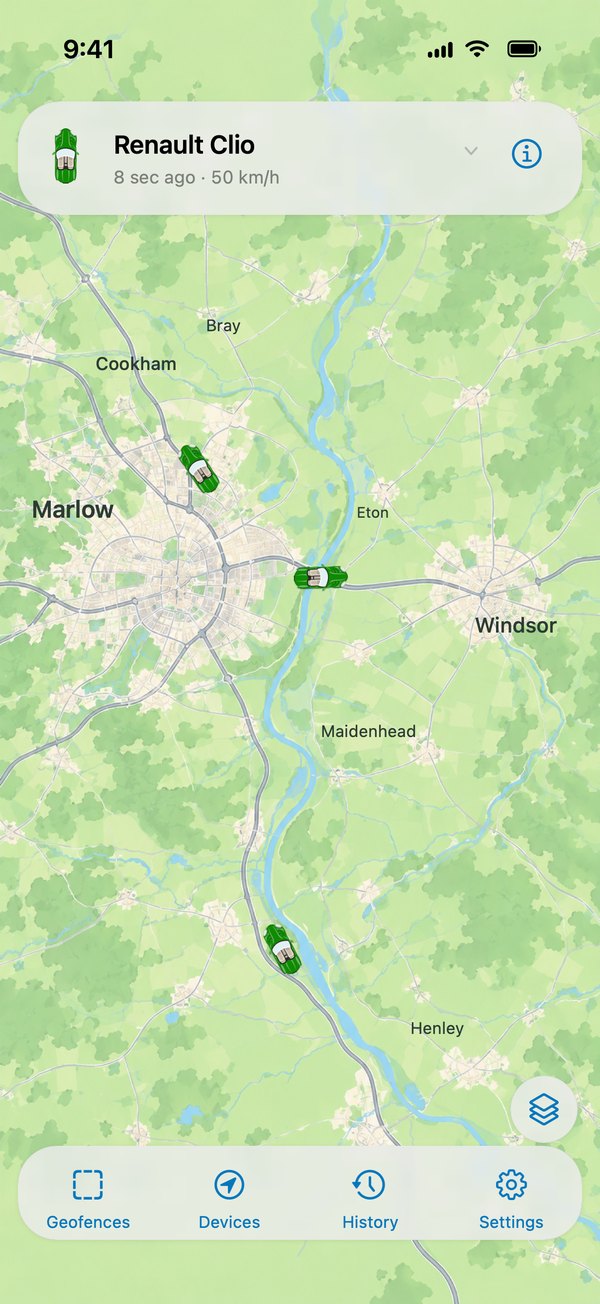
Movement historyLoad tracks for a selected period and explore parking stops and individual points. Tap a point to see its time, coordinates and data reported by the device. For a track spanning several days, highlight a single day and see the distance travelled. 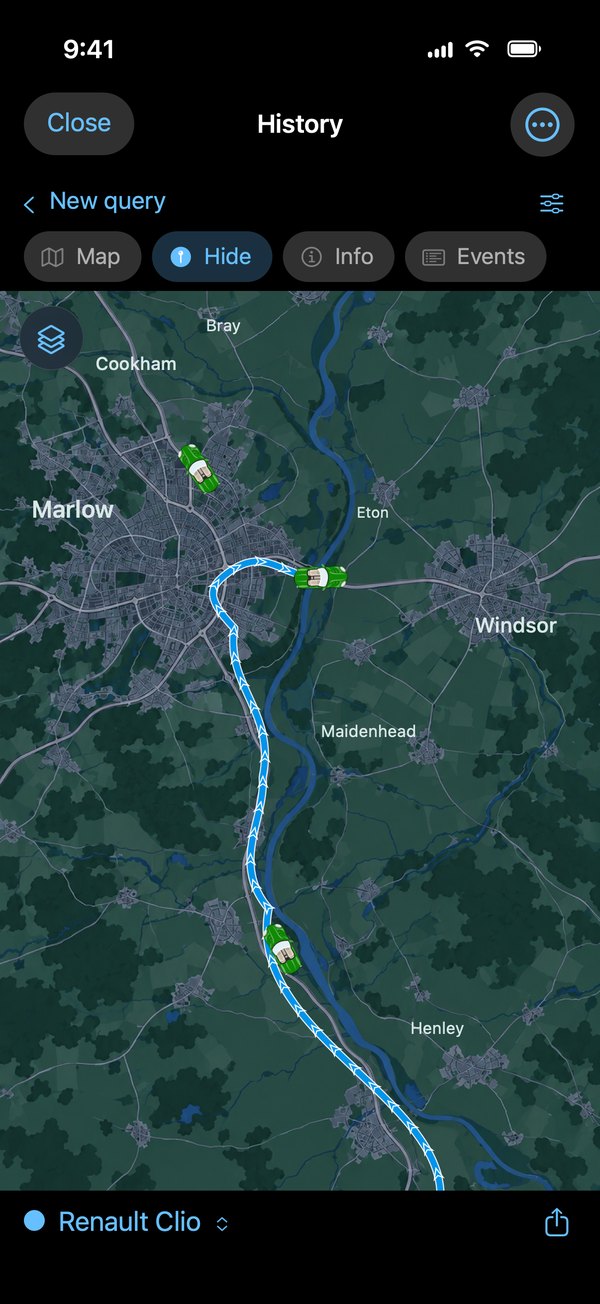
Charts and playbackCompare speed, altitude and other parameters on one chart. Touch the chart to see the selected time and the corresponding point on the map. Use the player to replay movement along the loaded track. The controls sit over the map, keeping the moving device in view. 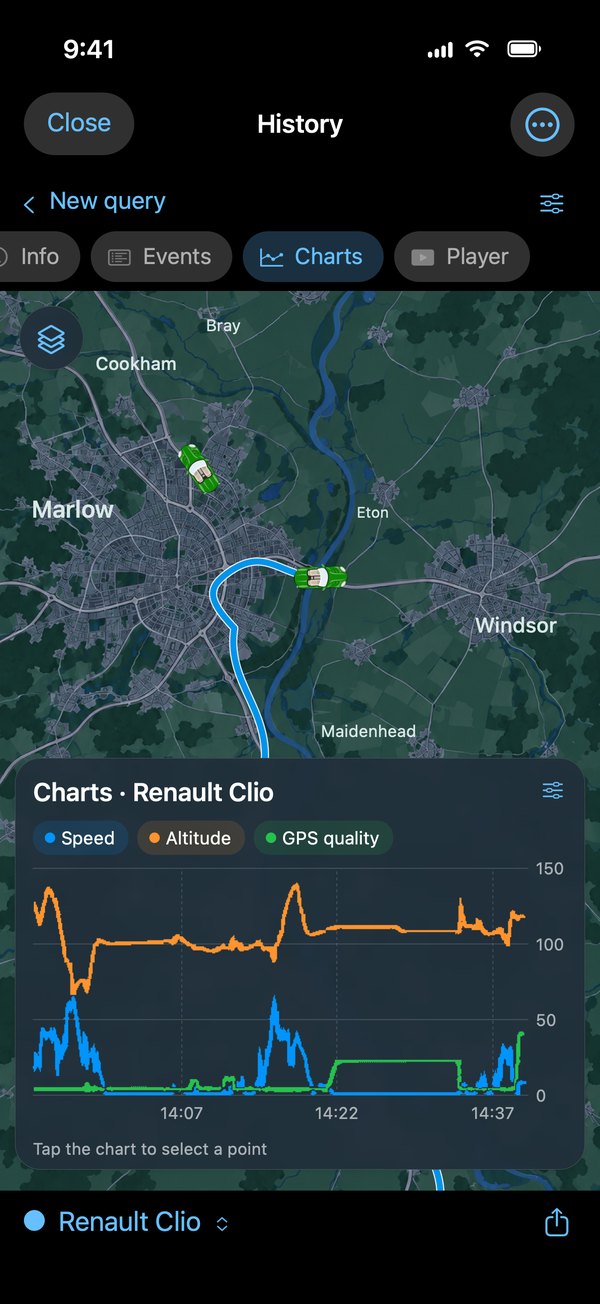
Geofences and notificationsCreate geofences on the map and set up notifications when a device enters or leaves. A quick zone creates an area around the tracker’s current position, for example while your car is parked. You can also configure notifications when the device is switched on or off. 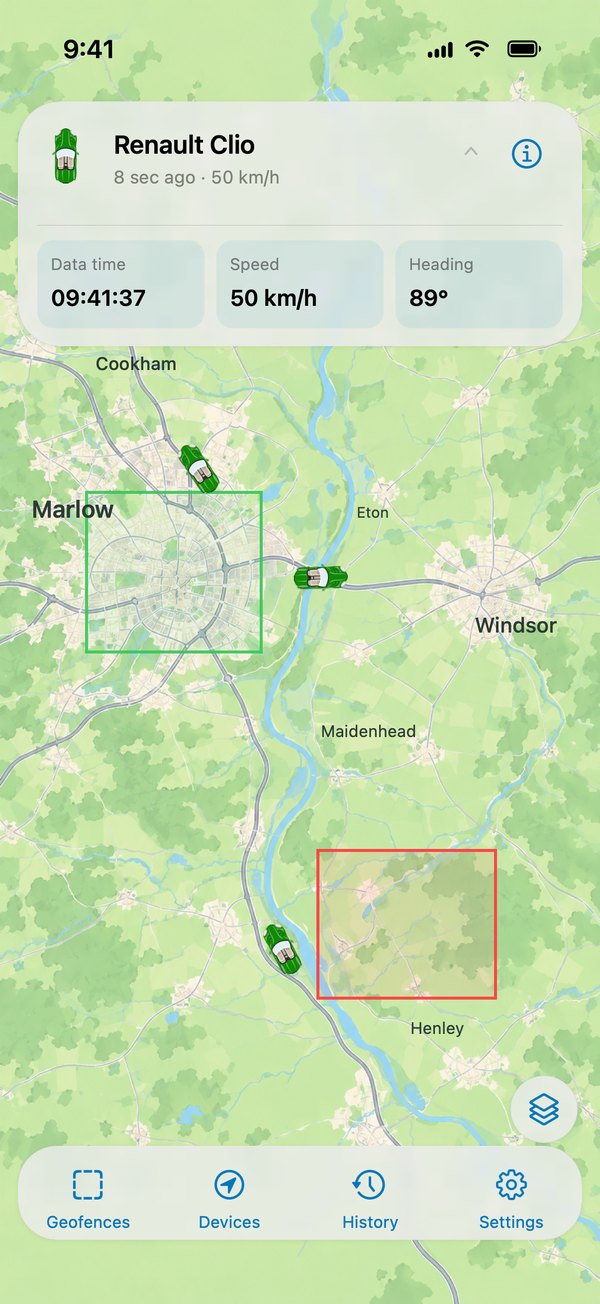
Device setup and managementA step-by-step wizard helps you choose a model, enter its identifier and get the server connection settings. If the model is unknown, use protocol detection through the test port. Manage your device list, change names and icons, configure access and add external links. 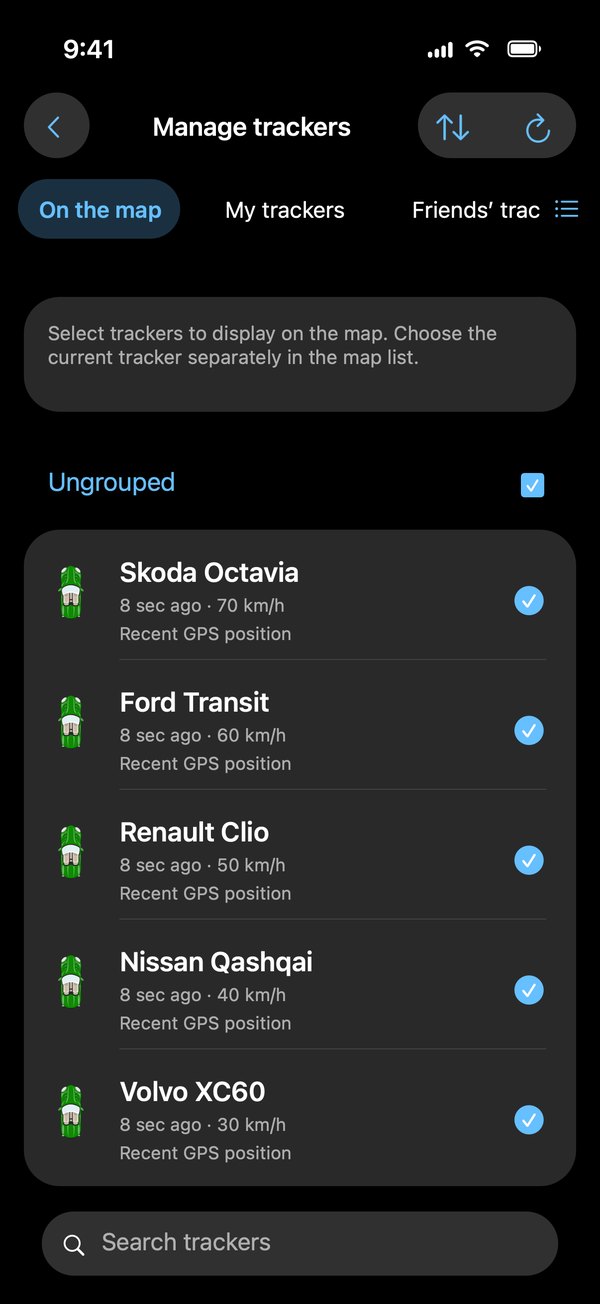
Make the app your ownChoose a light, dark or system theme. Customize the map’s top panel, track and point display, screen orientation and other settings. The app can keep the screen awake while it is in the foreground. 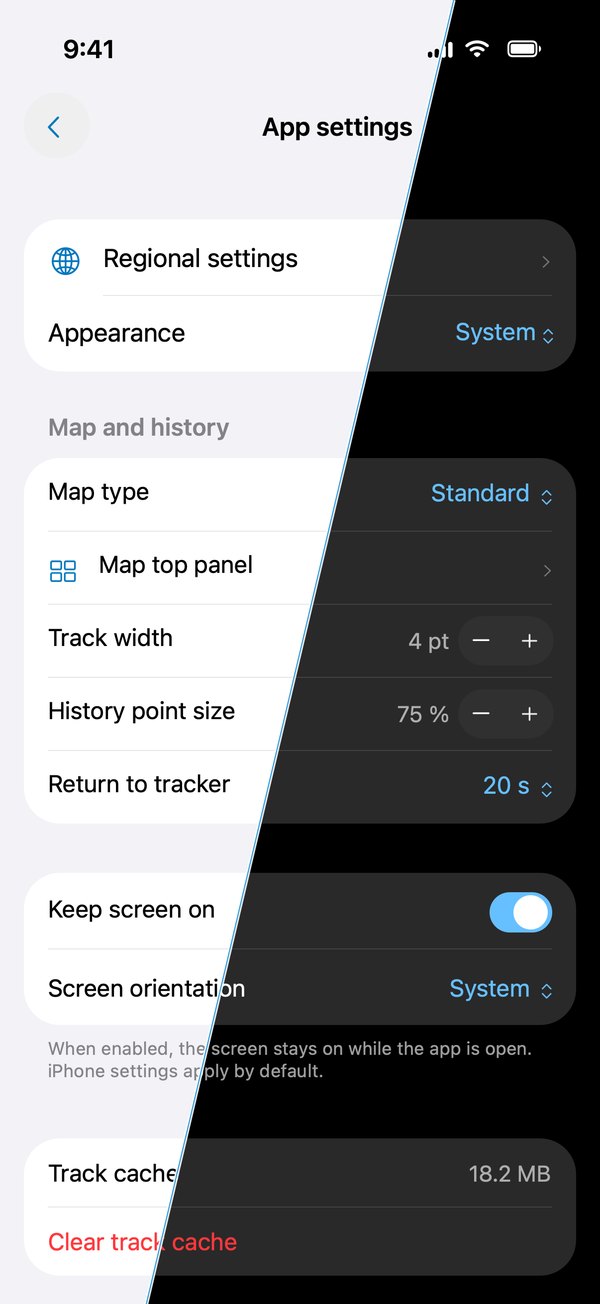
The availability of some features depends on your service plan and account permissions. Mobile Dispatcher displays data from connected devices. To send coordinates from the phone itself, use a separate tracker app. FeedbackIf you want to suggest some new function or found an error, please, write us support@livegpstracks.com |
 |
 |
 |
 |
|
We accept:
|
||||||||||||||||||
 |
 |
 |
 |
|||||||||||||||
|
|||||||||||||||